


You're probably here because you're tired of answering the WiFi password question at 11pm, or a guest review has just said they 'didn't know where anything was'. A good Airbnb digital guidebook stops those messages before they happen, and with the right tool the first draft takes minutes rather than an evening. This guide compares five options UK hosts commonly consider in 2026 on price, setup and paid extras, then covers what to put in your guide so guests actually use it.
Quick Comparison: The 5 Best Airbnb Digital Guidebook Tools
Here's how the options stack up on price, setup and the features that matter most to self-managing hosts. Prices come from each provider's own website in October 2026 and can change.
Transparency: Zugrow publishes this blog, and Zugrow is one of the tools compared below. We've kept the comparison factual and flagged where rivals are the better fit, but read it with that context in mind.
1. Zugrow Digital Guidebook. Best for Hosts Who Want It Done Today
Best for: Self-managing hosts who want a professional guidebook live in minutes, not days.
Price: £2.95 a month per property billed annually (£35.40 a year), or £3.25 month to month, with a 14-day free trial. Included with Zugrow's Max plan.
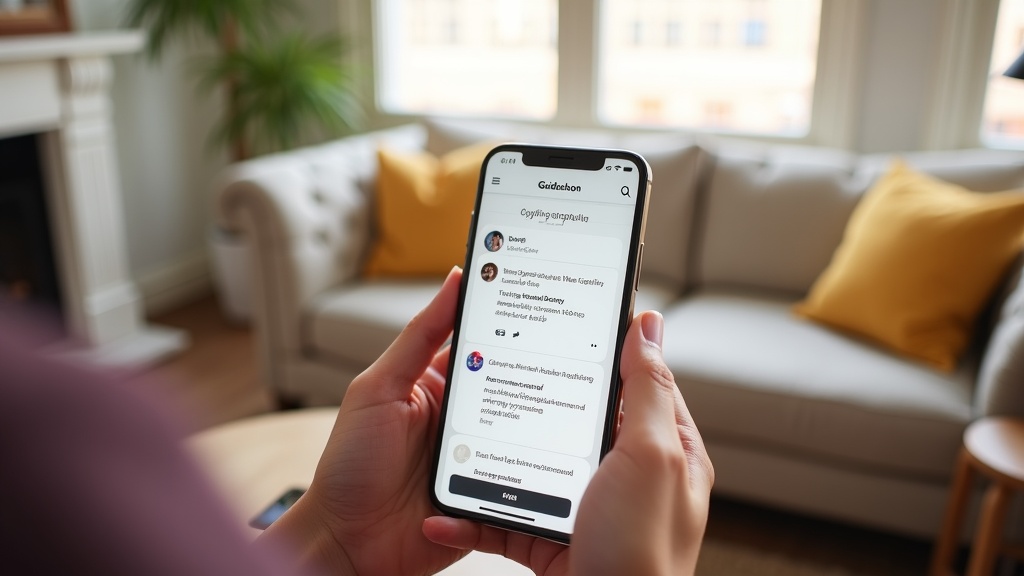
The Zugrow Digital Guidebook builds a mobile-friendly guest guide from your Airbnb listing URL in about 2 to 3 minutes. Paste your link and the AI drafts your check-in steps, house rules and transport info from the listing, then adds local restaurant and attraction recommendations using Google Places data. Details a public listing doesn't show, such as the WiFi password and door code, you add yourself in the host portal, where you can also edit any section, switch sections on or off and update information at any time without touching code.
What makes it different: It has the lowest published price of the paid tools in this list, and the AI does the first draft for you. The built-in upsell checkout lets you offer early check-in, late checkout or airport transfers directly through the guide. Guests pay by card through Stripe, the money goes to your own payout account, and Zugrow's fee is 1% of each paid extra. You can also add a link to your direct booking site.
Pros:
- The AI draft means setup takes minutes, not an evening
- £2.95 a month billed annually (or £3.25 month to month); cancel anytime and the guide pauses rather than being deleted
- Local recommendations from Google Places data
- Built-in upsell checkout with a 1% fee
- Mobile-first design that works on any device without an app install
Cons:
- Less design control than template-heavy platforms if you want pixel-perfect branding
- Each property needs its own guidebook subscription
- No native app (guests use the mobile web version)
If you want a guidebook live before your next check-in and you manage your own properties, Zugrow's guidebook is a quick route from zero to a professional guest guide.
2. Touch Stay. Best for Multi-Property Managers Who Want an Established Platform
Best for: Property managers or hosts with several listings who want a long-established, feature-rich guidebook system.
Price: Worked out by number of homes with the calculator on Touch Stay's site, in several currencies including GBP. Its own blog quotes from $99 a year, or $12.50 a month, for one guidebook, falling per home as you add more. 14-day free trial, plus a free plan limited to 20 guest views per guidebook each month.
Touch Stay is one of the best-known names in the digital guidebook for Airbnb market, and its feature list shows it. Alongside the guidebook editor it offers an AI guidebook generator that pulls details from an Airbnb or Booking.com listing link, an AI chatbot, an upsell widget, two-way messaging, PMS integrations and a data dashboard. For larger operators, the falling price per home is the main attraction.
Pros:
- AI first draft from an Airbnb or Booking.com link
- Upsell widget and PMS integrations
- Price per home drops as your portfolio grows
- Long-established, with a polished editor
Cons:
- On a paid plan, costs more than Zugrow for a single property (from $99 a year per its blog, against £35.40 a year for Zugrow's guidebook billed annually)
- Headline prices are quoted in US dollars; you need the calculator to see GBP
- The breadth of features can be more than a one-property host needs
Touch Stay makes sense if features and brand matter more to you than cost. For a single listing, it is a bigger outlay than cheaper alternatives. Our breakdown in Touch Stay vs Zugrow Guidebook walks through the cost difference over 12 months.
3. Hostfully. Best for Hosts Who Want Guidebook + PMS in One Platform
Best for: Hosts with one property who want a free guidebook, or larger operators who want a guidebook alongside a property management system.
Price: Free for one guidebook. The Pro plan covers up to 199 guidebooks; its price isn't shown on Hostfully's guidebook pricing page, so ask Hostfully for a quote. Its property management software is priced separately.
Hostfully launched digital guidebooks in 2016 and merged with Orbirental in 2018 to add a property management system, so it now sells both. The Pro guidebook plan adds upsells through its Guidebook Marketplace (with a 1% Stripe fee), referral revenue, custom branding, bulk editing and translation into 16 or more languages.
Pros:
- Free plan for a single guidebook
- Guidebook and PMS from one company if you need both
- Pro adds bulk editing and translation into 16+ languages
Cons:
- Pro guidebook pricing isn't published on the pricing page
- Its pricing page lists no AI first draft from your listing, so expect to write the content yourself
- Prices are in US dollars
Hostfully suits hosts planning to move onto a full property management system. For Airbnb-only hosts with one property, the free plan is worth a look if you're happy to write the guide yourself. If you're comparing the two, Hostfully vs Zugrow breaks down when each platform is the better fit.
4. YourWelcome. Best for Hosts Who Want a Tablet in the Property
Best for: Higher-end stays where a device in the property suits the guest experience.
Price: £299.99 a year per property on its tablet plan, a one year contract billed annually. Volume pricing for 10 or more properties is by quote.
YourWelcome's plan centres on an 8 inch tablet you leave in the property, with a stand and free replacement cover for breakage and theft. Behind it sits a web dashboard with video, text and image property guides, local area guides, guest check-in, chat, upsells, direct booking tools and the option to sell advertising to local businesses.
Pros:
- Tablet included, with replacement cover for breakage and theft
- Upsells plus the option to sell advertising to local businesses
- Connects to your PMS at no charge from YourWelcome (your PMS provider may charge)
Cons:
- The most expensive option in this list
- One year contract, billed annually
- A tablet is one more thing to keep charged and working between guests
YourWelcome works best where an in-property device adds to the stay. For a side-by-side cost analysis, see YourWelcome vs Zugrow.
5. Airbnb's Built-in Guidebook and House Manual. Best Free Option
Best for: Hosts with one listing, a zero budget and guests who all book through Airbnb.
Price: Free.
Airbnb gives every host two tools in the Arrival guide section of the listing editor. The house manual explains how the home works and is only visible to guests with a confirmed reservation. A guidebook holds your local recommendations; it is public, and you can share it outside Airbnb or print it.
Pros:
- Free, and guests find it inside the Airbnb app
- The guidebook can be shared by link or printed
Cons:
- No AI draft and no upsells; you type everything yourself
- Limited design and layout control
- Co-hosts don't have access to new guidebooks
It is a sensible starting point, and worth filling in even if you also use a separate digital guide.
How to Make an Airbnb Guidebook That Guests Actually Use
Whichever platform you choose, the how to make Airbnb guidebook advice is the same: keep it scannable, mobile-first and immediately useful. Guests open guidebooks on their phones while standing in your hallway or walking to the Tube. They won't read essays.
Structure every guidebook around these core sections:
- WiFi & Access: Network name, password, door codes, lockbox location. Put this first.
- House Rules: Quiet hours, smoking policy, bin days, checkout tasks. Be specific, not passive-aggressive.
- Appliance Instructions: Heating controls, TV remote, washing machine cycles. Assume zero prior knowledge.
- Local Recommendations: Nearest supermarket, best breakfast spot, reliable taxi numbers. Prioritise walking distance over 'hidden gems' 40 minutes away.
- Emergency Contacts: Your contact method, nearest A&E, plumber and locksmith numbers.
The mistake most hosts make is overloading the guidebook with essays about the neighbourhood's history or 15 competing coffee shops. Guests want fast answers to immediate questions. If you're building manually, write each section as though you're answering a text message, not drafting a travel guide. If you're using an AI tool like Zugrow's guidebook, it drafts the essentials from your listing and lets you add personality in the editing stage without starting from a blank page.
From our own portfolio: we run about 24 short lets in Manchester with a small team, and our guests check in with lockboxes. We send the lockbox code on arrival day, and fast replies and clear check-in information on the day are what earn us the most 5-star reviews. That is how we do it, one example among many; your access setup may be completely different, and a good guidebook should fit it. Whatever your setup, make the check-in section the clearest part of the guide.
Do Digital Guidebooks Actually Improve Guest Reviews?
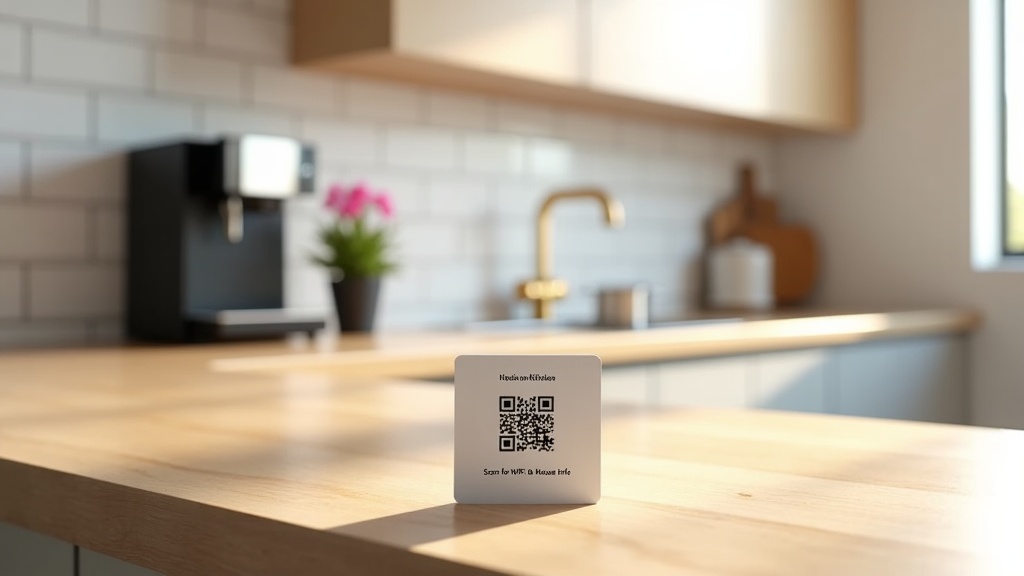
They can, but only if guests open them. A guidebook buried in a pre-arrival message thread or hidden behind an app download will be ignored. A simple fix is a QR code placed in three physical locations: inside the front door, on the kitchen counter and on the bedroom nightstand. Guests scan it with their phone camera (no app needed), the guidebook opens instantly, and they can bookmark it for their stay.
When guests can find answers themselves, you should see fewer 'where's the WiFi?' messages and better adherence to checkout instructions. The guidebook also reduces the support load on you, which matters most when you're managing several properties or hosting guests across time zones.
For a broader look at tools that improve guest satisfaction and listing performance, see our guide to the best Airbnb optimisation tools in 2026.
Which Airbnb Digital Guidebook Should You Choose?
If you manage one to a few properties yourself and want a professional guidebook live today, Zugrow's digital guidebook is a fast, low-cost option. The AI draft takes about 2 to 3 minutes, it has the lowest published price of the paid tools here at £2.95 a month billed annually, and the built-in upsell checkout lets you sell guest extras straight away without stitching together other payment tools.
If you want to spend nothing and don't mind writing it yourself, Hostfully's free plan or Airbnb's built-in guidebook and house manual will do the basics. If you run a larger portfolio and want an established platform with integrations, Touch Stay or Hostfully Pro may serve you better despite the higher cost. If you want a tablet in the property, YourWelcome is the one built around it.
For most UK self-managing hosts, the question isn't whether you need a guidebook. It's whether you want to spend an evening building one by hand or a few minutes reviewing an AI draft. Zugrow's guidebook costs £2.95 a month billed annually, comes with a 14-day free trial, and you can edit it anytime. Get your guidebook live before your next check-in here.
Frequently Asked Questions
What's the cheapest digital guidebook for Airbnb?
Airbnb's own guidebook and house manual are free, Hostfully has a free plan for one guidebook, and Touch Stay has a free plan limited to 20 guest views per guidebook each month. Of the paid tools here with published prices, the Zugrow Digital Guidebook is the cheapest at £2.95 a month per property billed annually (£35.40 a year), or £3.25 month to month.
Do I need an app to use an Airbnb digital guidebook?
No. Modern guidebooks are mobile-friendly websites opened from a link or QR code. Guests open them in their phone's browser without downloading anything, which matters because few guests will install an app for a two-night stay.
Can I edit my guidebook after it's created?
Yes. The platforms compared here let you update WiFi passwords, change house rules, add or remove recommendations and edit content whenever you need to; Airbnb's built-in tools are edited in your listing editor. With Zugrow, the host portal is included in the guidebook subscription at no extra cost.
Is Touch Stay or Zugrow better for a single Airbnb listing?
Both can draft a guide from your Airbnb link with AI. For a single listing on a paid plan, Zugrow costs less (£35.40 a year billed annually, against from $99 a year for Touch Stay according to its blog); Touch Stay's free plan is limited to 20 guest views per guidebook each month. Touch Stay becomes more competitive as you add properties, because its price per home falls, and it offers PMS integrations. The full comparison is in Touch Stay vs Zugrow.
How do I get guests to actually open the guidebook?
Place QR codes in three physical spots: just inside the front door, on the kitchen worktop and on the bedroom nightstand. Mention the guidebook in your check-in message with a direct link, and put a short card next to each QR code saying 'Scan for WiFi, house info & local tips'. Most modern phones can scan a QR code with the built-in camera app, so the guide opens straight away.
Do digital guidebooks work for Vrbo and Booking.com listings too?
Yes. A digital guidebook is a standalone web link, so you can send the same link to guests whichever site they booked through, including direct bookings. You may want to adjust check-in instructions slightly depending on how each site handles guest messages.
Can I add upsells like early check-in or airport transfers to my guidebook?
Yes, if the platform supports it. Zugrow includes a built-in checkout where you list paid extras (early check-in, late checkout, parking, airport pickup, welcome hamper) and guests pay by card through the guidebook; Zugrow's fee is 1% of each paid extra. Touch Stay has an upsell widget, Hostfully offers upsells on its Pro plan, and YourWelcome includes upsells on its tablet plan. Airbnb's built-in guidebook doesn't take payments.
Sources, checked October 2026: Touch Stay pricing (its blog), Touch Stay AI guidebook help, Hostfully guidebook pricing, Hostfully company history, YourWelcome pricing, Airbnb Help Centre on guidebooks and house manuals, and Zugrow's terms for Zugrow's own prices and fees.