

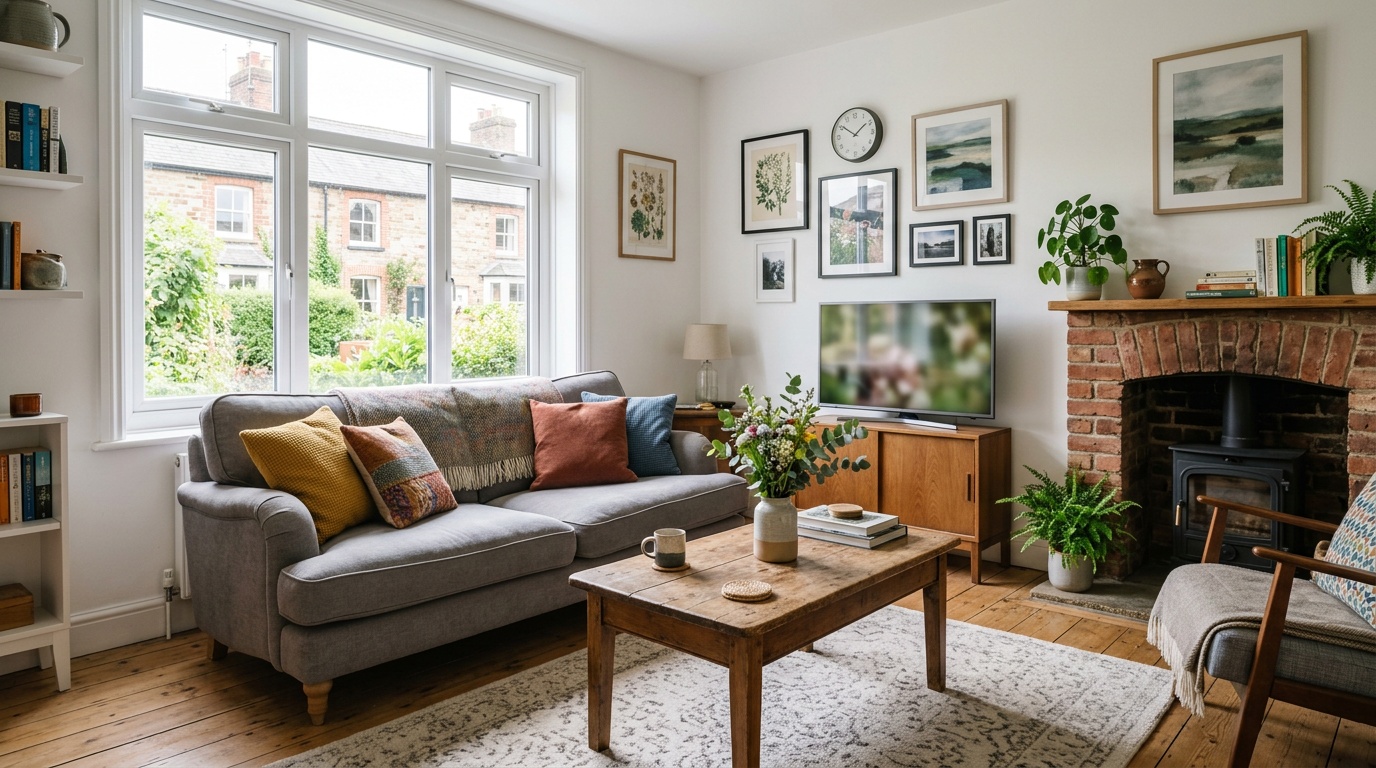
Thinking about letting your property on Airbnb? You're not the only one. Short-term letting has quietly become one of the most accessible ways to generate income from property in the UK, but most new hosts stumble into expensive mistakes in the first few weeks simply because no one told them the order to do things in.
This guide walks you through the entire process, from checking whether you're legally allowed to host, to publishing your first listing and welcoming your first guest. Follow it in order and you'll avoid the traps that cost other hosts bookings, reviews, and revenue.
Can You Legally Start an Airbnb in the UK?
Before you do anything else, confirm you have the legal right to let your property short-term. Most new hosts skip this step and only discover the problem when a neighbour complains or their insurer refuses a claim.
Check three things:
- Your mortgage terms. Most residential mortgages prohibit short-term letting without lender consent. You may need to switch to a buy-to-let or consent-to-let arrangement.
- Your lease (if renting). The majority of tenancy agreements forbid subletting. Ask your landlord in writing. If they say no, you cannot host.
- Local planning rules. London has a 90-night annual cap on short lets unless you have planning permission. Other councils may require a change of use if you let your entire home frequently. Check your local authority's website or call the planning department.
If any of these blocks you, stop here. Hosting without permission can void your insurance, breach your mortgage, and result in fines. For a full breakdown of the rules by region and property type, read our guide to UK Airbnb regulations.
Step 1: Set Up Your Airbnb Host Account
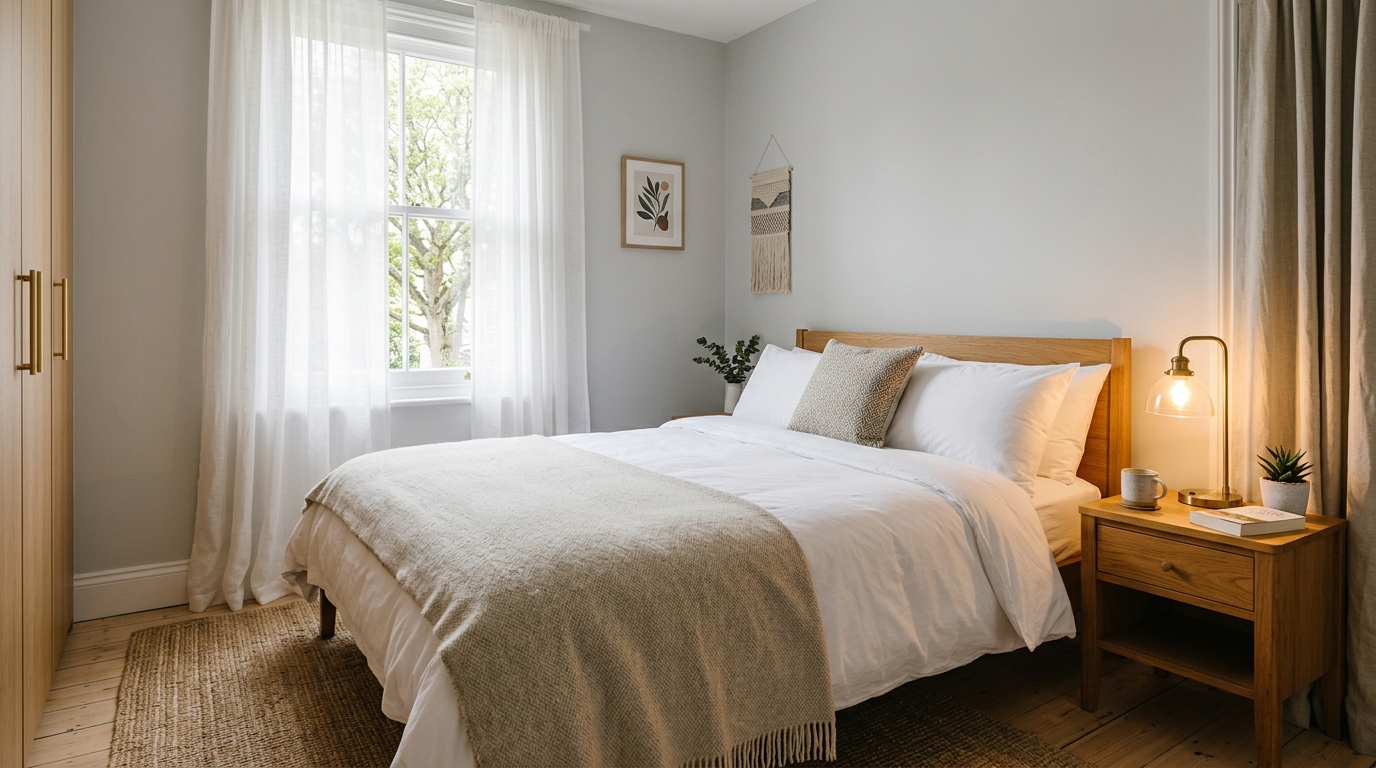
Once you've confirmed you can legally host, create your Airbnb account. Go to airbnb.co.uk and click 'Airbnb your home'. You'll need:
- A valid email address
- A phone number for two-factor authentication
- Government-issued ID (passport or driving licence) for identity verification
- Payment details so Airbnb can transfer your earnings (UK bank account or PayPal)
Complete the full verification process before you publish. Airbnb flags unverified hosts in search, and many guests filter them out entirely.
Step 2: Prepare Your Property for Guests
Walk through your property as if you're the guest. What's missing? What looks tired? What would annoy you?
Focus on these essentials first:
- Fresh linen and towels. Provide at least one bath towel and one hand towel per guest, plus a full set of clean bedding.
- Basic toiletries: shower gel, shampoo, hand soap. Travel-size bottles are fine to start.
- Kitchen basics, if you're offering a kitchen, stock it with cooking oil, salt, pepper, tea, coffee, and sugar. Provide enough crockery, cutlery, and cookware for your maximum guest count.
- Reliable WiFi. Test the speed in every room. Guests will leave bad reviews if they can't work or stream.
- Clear instructions. WiFi password, bin day, heating controls, check-out time. Write these down or create a simple printed welcome sheet.
You don't need to spend thousands refurbishing. Clean, comfortable, and well-explained beats expensive but confusing every time.
Step 3: Take High-Quality Photos of Your Listing
Your photos are the single biggest factor in whether a guest clicks your listing or scrolls past. Airbnb's algorithm also favours listings with professional-looking images.
If you can afford it, hire a professional property photographer (expect to pay £100 to £250). If not, use your smartphone and follow these rules:
- Shoot in daylight: open curtains, turn on all lights, and photograph in the morning or early afternoon when natural light is strongest.
- Declutter completely: remove personal items, laundry, toiletries, and anything that makes the space feel cramped or messy.
- Shoot from the corners. Stand in the corner of each room and shoot diagonally across. This makes rooms look larger and captures more context in one frame.
- Keep your phone level. Tilted horizons look amateurish. Use your phone's grid overlay to keep walls vertical.
- Take at least 20 photos: hero shot of the main living space, every bedroom, bathroom, kitchen, any outdoor space, plus detail shots of attractive features (fireplace, view, breakfast bar).
Your first photo (the hero image) should show your best room in its best light. Listings with a strong hero shot receive more clicks and rank higher in search. For more on this, see our breakdown of how Airbnb search ranking works in the UK.
Step 4: Write a Compelling Listing Title and Description
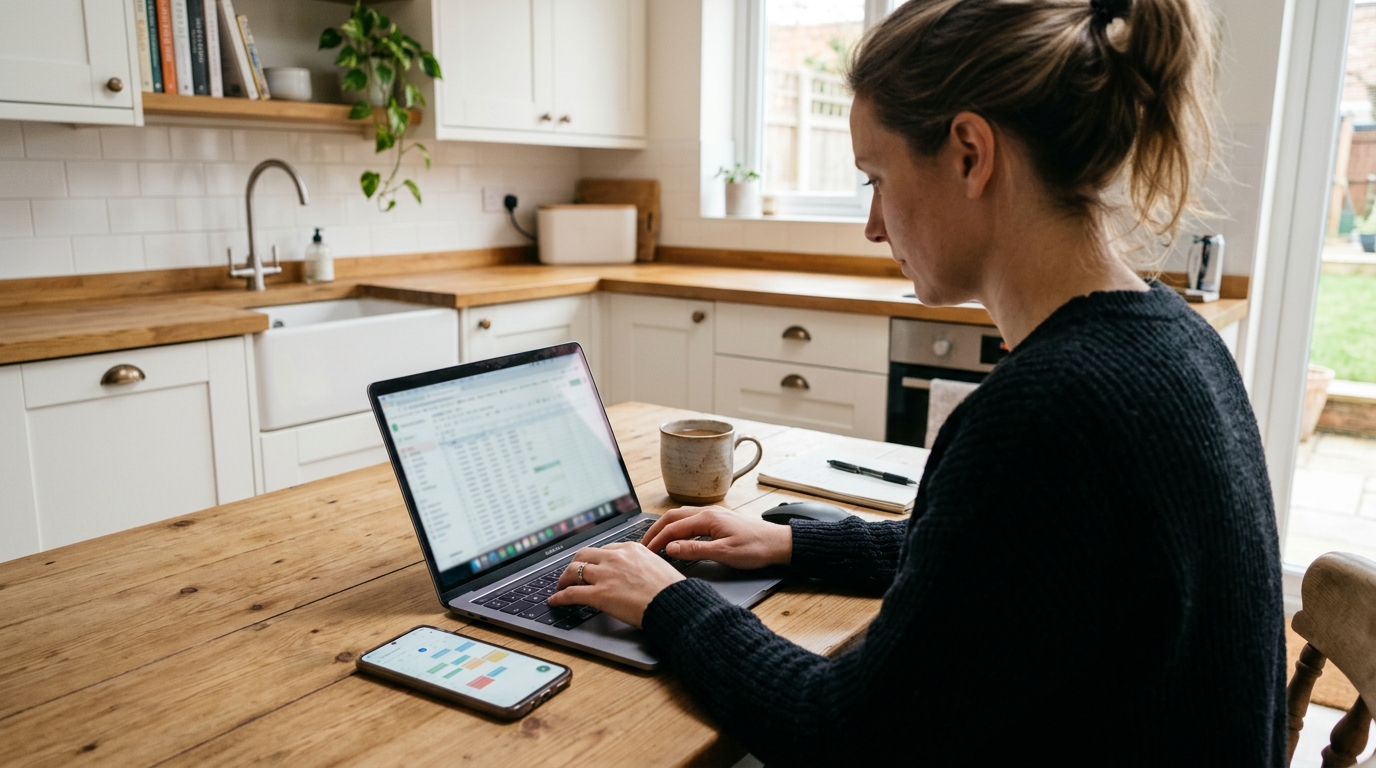
Your title and description need to do two jobs: rank in Airbnb search, and persuade the guest to book. Most new hosts write descriptions that do neither.
How to Write Your Airbnb Title
Airbnb gives you 50 characters. Use them to describe what makes your property appealing and where it is. Lead with the benefit, not the feature.
Weak: 'Lovely 2-bed flat'
Strong: 'Bright 2-Bed Flat Near Piccadilly Station'
Include your location (neighbourhood or landmark), property type, and one standout feature (parking, garden, view, workspace). Airbnb's search algorithm scans your title for keywords guests actually type, so be specific.
How to Write Your Airbnb Description
Start with a one-sentence summary of what the property is and who it suits. Then cover:
- The space: layout, rooms, beds, standout features
- Guest access: entire place, private entrance, shared areas?
- The location: what's nearby (transport, shops, attractions), how long it takes to reach key destinations
- Why guests will love it: quiet street, fast WiFi, parking, family-friendly, work-friendly
Write naturally, but use the words guests search for: 'city centre', 'free parking', 'king-size bed', 'pet-friendly', 'walking distance'. These help your listing appear in filtered searches.
Avoid clichés ('home away from home', 'perfectly located'). Be specific instead: 'Two-minute walk to the Tube' beats 'great transport links'.
Not sure if your title and description are working? Zugrow's free listing score analyses your wording, photos, and amenities, then shows you exactly what to fix to rank higher and convert more views into bookings.
Step 5: List Every Amenity You Offer
Guests filter by amenities. If you have WiFi but forget to tick the box, your listing won't appear when a guest searches for properties with WiFi. You lose bookings you should have won.
Go through Airbnb's amenity checklist carefully and tick everything you genuinely provide. Common ones new hosts miss:
- Essentials: towels, bed sheets, soap, toilet paper
- Hangers, if there's a wardrobe, tick this
- Iron, even a cheap travel iron counts
- Hair dryer. A £15 basic model is enough
- Coffee maker. A simple cafetière or French press (£10 to £20) counts as a 'Coffee Maker' on Airbnb. You don't need an expensive machine. This single amenity brings your listing into filtered searches from coffee drinkers, which is a meaningful slice of business and leisure travellers.
- Dedicated workspace. Only tick this if you have a desk and chair. A breakfast bar does not count.
Never list an amenity you don't have. Guests will mention it in reviews, and Airbnb may penalise your ranking.
Step 6: Set Your Nightly Price
Pricing is the hardest part for new hosts. Set it too high and you sit empty. Set it too low and you leave money on the table, or worse, make guests suspicious about quality.
Start by researching comparable listings. Search Airbnb for properties near yours with the same number of bedrooms, similar amenities, and similar quality. Filter by 'Entire place' or 'Private room' to match your listing type. Note the nightly rates for the next few weekends.
Position yourself in the middle of the pack to begin with. Once you have a few five-star reviews, you can raise your rate.
Should You Offer Discounts?
Airbnb lets you set discounts for weekly and monthly stays, and for last-minute bookings. Many new hosts offer aggressive discounts to win their first bookings, then pull them back once they have reviews.
A typical structure:
- 10 to 15% discount for stays of seven nights or more
- 20 to 25% discount for stays of 28 nights or more
- 5 to 10% last-minute discount for bookings made within a week of check-in
You can also turn on Airbnb's Smart Pricing, which adjusts your rate based on demand. Most experienced hosts avoid it. It often undercuts you. Manual pricing with weekend uplifts and seasonal adjustments performs better, but it takes more work.
Step 7: Set Your House Rules and Cancellation Policy
House rules tell guests what you expect. Keep them reasonable and specific:
- Check-in and check-out times
- No smoking / no parties / no pets (or specify if you allow them)
- Quiet hours if you're in a flat or terraced house
- Whether guests can invite visitors
Your cancellation policy affects your ranking and bookings. Airbnb offers three main options:
- Flexible. Full refund if cancelled 24 hours before check-in. Attracts more bookings but increases last-minute cancellations.
- Moderate. Full refund if cancelled five days before check-in. The middle ground.
- Firm. Full refund if cancelled 30 days before. Protects your revenue but reduces booking conversion, especially from leisure travellers who book speculatively.
Most new hosts start with Flexible or Moderate to encourage bookings while they build reviews. You can tighten it later.
Step 8: Publish Your Listing
Once you've completed every section (photos, title, description, amenities, pricing, house rules) publish your listing. It will go live immediately and appear in Airbnb search within a few hours.
New listings get a temporary ranking boost from Airbnb for the first few weeks. Use this window to secure your first few bookings and five-star reviews. After the boost fades, your ranking depends on your reviews, response rate, acceptance rate, and how often you update your calendar and pricing.
For a full checklist of listing optimisation tactics UK hosts wish they'd known from day one, read our guide to Airbnb listing tips for UK hosts.
Step 9: Respond to Enquiries and Booking Requests Quickly
Your response time and response rate directly affect your search ranking. Airbnb measures how quickly you reply to messages and how often you accept or decline booking requests.
Turn on notifications on your phone so you don't miss messages. Aim to respond within an hour, even if it's just to acknowledge the enquiry and say you'll send details shortly. Hosts who respond within an hour rank higher than those who respond the next day.
If you can't host someone (wrong dates, too many guests, bad reviews), decline politely and quickly. A declined request is better for your ranking than an ignored one.
Step 10: Prepare for Your First Guest
Before your first check-in, do a final walk-through:
- Is everything clean? Check skirting boards, light switches, behind taps, inside the oven.
- Do all appliances work? Test the hob, microwave, kettle, shower, heating.
- Are the beds made with fresh linen?
- Is the WiFi password displayed clearly?
- Have you left a small welcome gesture? A pint of milk in the fridge or a plate of biscuits goes a long way.
Send a check-in message 24 hours before arrival. Confirm the address, entry instructions, parking details, and your phone number in case of problems. Guests appreciate clarity, and clear instructions prevent bad reviews caused by confusion.
Many hosts now use a digital guidebook to automate this. Zugrow's digital guidebook costs £2.95 a month and lets you send guests a mobile-friendly guide with WiFi codes, local recommendations, house rules, and check-out instructions. Updated once, shared automatically with every guest.
What Happens After Your First Booking?
Your first review is the hardest to earn and the most important. It proves to future guests that you're a real host, not a scammer, and it gives Airbnb confidence to rank you higher.
After your guest checks out, send a polite review request. Keep it short: 'Thanks for staying. I'd really appreciate a review when you have a moment. It helps me as a new host.' Most guests will oblige if their stay was good.
Leave a review for them too. It's courteous, and it encourages reciprocity.
How to Keep Improving Your Listing Over Time
Your listing is never finished. Airbnb's algorithm rewards hosts who update their calendars, refresh their photos, tweak their pricing, and respond to reviews.
Every few months, revisit your listing and ask:
- Are there new comparable listings nearby charging more? Should I raise my rate?
- Have guests mentioned anything repeatedly in reviews? (Slow WiFi, unclear instructions, missing kitchen equipment?) Fix it.
- Do my photos still reflect the space? If you've redecorated or added amenities, reshoot.
- Am I ranking lower than I used to? Check your response rate, acceptance rate, and calendar availability. Airbnb demotes hosts who frequently decline or don't keep their calendar current.
Small, regular improvements compound. Hosts who treat their listing as a living document outperform those who publish once and forget.
If you'd like an assessment of where your listing stands and what to prioritise next, get your free Airbnb listing score from Zugrow. You'll see exactly how your title, description, photos, amenities, and pricing compare to other properties in your area, and you'll get a ranked list of fixes to work through, starting with the changes that deliver the biggest impact on bookings.
Do You Need Insurance for Your Airbnb?
Yes. Your standard home insurance almost certainly doesn't cover short-term letting. If a guest is injured, causes damage, or steals something, you may not be covered.
Airbnb provides Host Guarantee (up to £1,000,000 for property damage) and Host Liability Insurance (up to £1,000,000 for third-party injury claims), but these are secondary cover. They have exclusions, and claims can be slow.
Take out dedicated short-term let insurance. Providers in the UK include Pikl, Superhog, and Scutum. Expect to pay £200 to £500 a year depending on your property value and location.
Tell your insurer exactly what you're doing: how many nights a year, whether you'll be present, whether you're renting out the whole property or just a room. Misrepresenting your use can void your policy.
Do You Need to Register as Self-Employed or Pay Tax?
If your total income from short-term letting exceeds £1,000 in a tax year, you must declare it to HMRC. This is the trading allowance threshold. Below £1,000, no declaration is needed.
Above £1,000, you'll need to register for Self Assessment and file a tax return. You can deduct allowable expenses: cleaning, toiletries, repairs, insurance, a portion of your mortgage interest (if applicable), utilities, and platform fees.
Keep records of every booking, every expense receipt, and every Airbnb payout. HMRC can ask for evidence going back several years.
If you're letting a room in your main home while you're living there, you may qualify for Rent-a-Room Relief, which lets you earn up to £7,500 a year tax-free. If you exceed that, you can choose to pay tax on the excess or on your actual profit after expenses. Whichever is lower.
This is a summary. Tax rules change, and your situation may be complex. Speak to an accountant who understands short-term lets if you're earning meaningful income.
Common Mistakes New Airbnb Hosts Make (And How to Avoid Them)
Most new hosts make the same handful of mistakes. Here's what to watch for:
- Publishing before checking legal permissions: always confirm mortgage, lease, and planning consent before you list.
- Taking dark, cluttered photos. Poor photos kill bookings. Reshoot in daylight with everything tidy.
- Forgetting to tick amenity boxes, if you have it, list it. Guests filter by amenities.
- Setting the price too low out of fear. Underpricing signals low quality. Match the middle of your competitive set.
- Ignoring messages or responding slowly. Response time affects ranking. Turn on phone notifications.
- Overcomplicating check-in instructions. Keep it simple. Address, entry method, WiFi, your phone number. That's it.
- Not asking for reviews. Politely request a review after every stay. Reviews are social proof and ranking signals.
The hosts who succeed are the ones who treat hosting as a small business: they track what works, fix what doesn't, and iterate constantly.
Is Starting an Airbnb in the UK Worth It?
That depends on your goals, your property, and how much time you can commit.
Short-term letting works well if:
- You own or have permission to let the property
- Your location has consistent demand (city centre, tourist area, near transport or attractions)
- You're prepared to communicate quickly with guests and handle turnovers between bookings
- You can afford the upfront costs (insurance, furnishings, cleaning, photography)
It's harder if:
- You're renting and your landlord won't allow it
- Your property is in a low-demand area with few visitors or business travellers
- You're away often and can't respond to guest messages or handle problems
- You don't have the budget to furnish and maintain the space to a good standard
Hosting isn't passive income. It requires effort, especially in the first few months. But if you're willing to optimise, respond quickly, and treat your guests well, it's one of the most accessible ways to monetise property in the UK.
Frequently Asked Questions
Do I need planning permission to start an Airbnb in the UK?
In London, you can let your main home for up to 90 nights a year without planning permission. Beyond that, or if you're letting a second property full-time, you may need a change-of-use application. Rules vary by council, so check with your local planning authority before you list.
How much does it cost to start an Airbnb in the UK?
Initial costs vary widely depending on your property. Expect to spend £300 to £1,000 to start: fresh linen, towels, basic toiletries, kitchen supplies, minor repairs, photography, and insurance. Ongoing costs include cleaning (£30 to £60 per turnover), restocking toiletries, laundry, and Airbnb's service fee (typically three per cent of each booking).
Can I start an Airbnb if I'm renting?
Only if your landlord gives written permission. Most tenancy agreements prohibit subletting. Ask your landlord directly and get their consent in writing before you list. Hosting without permission can result in eviction.
How long does it take to get your first Airbnb booking?
New listings with strong photos, competitive pricing, and a well-written description often receive their first booking within the first week. Airbnb gives new listings a temporary ranking boost to help them get started. If you've had no enquiries after two weeks, revisit your photos, pricing, and title.
Do I need to be home when guests check in?
No. Many hosts use lockboxes, smart locks, or key safes to allow self check-in. Guests often prefer this for flexibility. Just provide clear instructions and be available by phone in case of problems.
What's the best way to set my Airbnb price as a new host?
Research comparable listings in your area: same property type, bedrooms, and amenities. Start your pricing in the middle of the range. Once you have five-star reviews, you can raise your rate. Avoid Airbnb's Smart Pricing initially; it tends to undercut you. Manual pricing gives you more control.
Ready to Launch Your Airbnb Listing?
Starting an Airbnb in the UK is straightforward once you know the order to tackle things in: confirm permissions, prepare the space, shoot great photos, write a keyword-rich listing, price competitively, and respond quickly. The hosts who treat it as a business (tracking, testing, and improving) are the ones who build consistent bookings and five-star reviews.
If you'd like an expert second opinion on your listing before you publish, or if you've already launched and want to know what's holding you back, Zugrow's free listing score gives you a detailed breakdown of your title, photos, amenities, and pricing compared to your local competitors, plus a prioritised action plan to help you rank higher and book more often.