

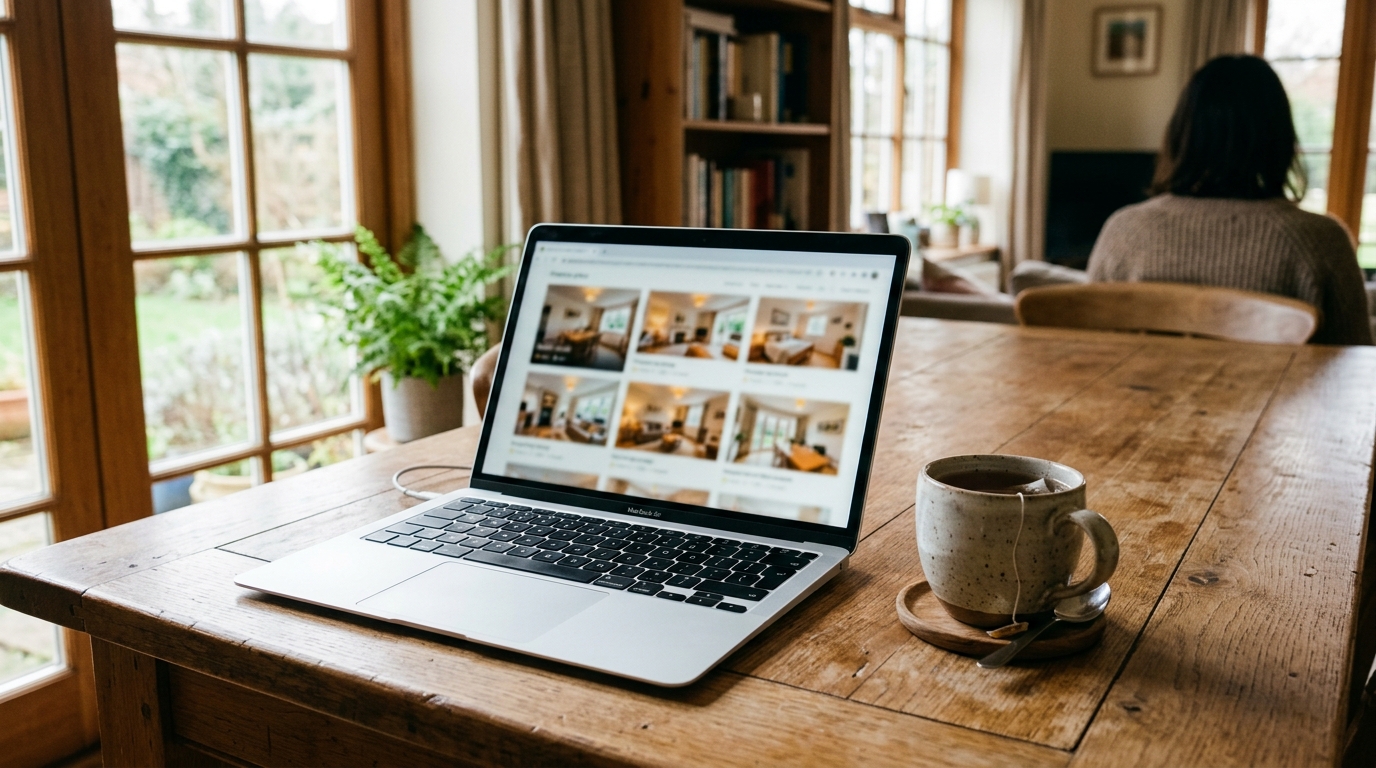
Your photos might be the reason guests scroll straight past you, and it has less to do with how pretty they are than you think. Airbnb trust signals photos are the quiet gatekeeper of every booking decision: before a guest reads a single review, their eyes are already asking one question. Does this place look real, honest and safe to book?
Across the 200 listings scored by Zugrow, trust signals average just 15.5 out of 30. That is roughly half marks on the single area that decides whether a guest feels confident enough to hit reserve. This guide breaks down what feeds that score, why photos drag it down, and what to fix first.
What is the 15.5/30 trust signal, and why does it matter?
The 15.5/30 figure is the average trust signals score across 200 listings scored by Zugrow (Zugrow platform data, October 2026). Trust signals measure how credible and reassuring a listing feels: photos, reviews, host profile and clarity of house rules. Scoring around half marks means most listings leave guests doubting.
Here is the wider picture from the same 200 listings, so you can see where trust sits among the other weak spots:
| Scoring area | Average score (200 listings scored by Zugrow) |
|---|---|
| Overall listing score | 55.6 / 100 |
| Market positioning | 6.2 / 30 |
| Trust signals | 15.5 / 30 |
| Title | 6.9 / 10 |
Trust signals are one of the three weakest areas in the data, and unlike market positioning, they are almost entirely within your control. You cannot move your postcode, but you can reshoot a bedroom, rewrite a host bio and tighten your house rules this weekend.
If you want the full breakdown of how that score is built, read what breaks trust in 200 listings. For the bigger framework, the complete UK guide to Airbnb listing optimisation shows how trust fits alongside title, pricing and positioning.
Which listing elements feed your Airbnb listing trust score?
Four elements feed the trust score: your photos, your reviews, your host profile and the clarity of your house rules. Guests process them together, within seconds. A weak link in any one of them can cancel out strength in the others, which is why a gorgeous gallery with a vague host profile still underperforms.
Think of each element as answering a different anxiety:
- Photos: Is this place real, and does it look the way it is described?
- Reviews: Have other people been here and been looked after?
- Host profile: Is there a reliable human behind this listing?
- House rules clarity: Will there be nasty surprises on arrival?
Photos come first in that sequence because they are seen first. A guest scanning search results sees your cover image and a handful of thumbnails before anything else. That is why we start there.
Why do Airbnb photos fail at trust (even good-looking ones)?
Photos fail at trust when they look polished but not believable. Guests distrust galleries that hide rooms, crop awkwardly, show inconsistent lighting or feel staged beyond reality. Trust comes from completeness and honesty, not glamour. A slightly less perfect gallery that shows every space often beats a stunning one with gaps.
The mistake nobody tells you: missing rooms read as hidden problems
When a guest cannot find the bathroom, the bed or the kitchen in your gallery, they do not assume you forgot. They assume something is wrong with it. Every missing space is an unanswered question, and unanswered questions kill bookings.
Check your gallery against a simple list: every bedroom, every bathroom, the kitchen, the living area, the entrance and any outdoor space. If a room exists, it needs a photo. If you have a one-bedroom flat with two beds in the same room, show that room once, clearly, with both beds visible, rather than inventing a second bedroom shot.
Over-edited photos break the promise
Heavy filters, warped wide-angle lenses and over-brightened windows make rooms look bigger and brighter than they are. Guests notice the moment they arrive, and the damage lands in your reviews, which is the next trust signal. Aim for bright, level, honest images. If you want help lifting dull photos without adding anything that is not there, Zugrow's AI photo enhancement starts from 47p per photo (the first ten are 99p each) and never adds features the property does not have.
Inconsistent style makes the listing feel stitched together
A gallery mixing dark evening shots, bright midday shots and phone snaps taken at different angles feels unreliable. Shoot everything in one session, in daylight, at roughly the same height. For how the eye moves across your layout and which images earn attention first, see eye movement and layout psychology for Airbnb photos.
How do reviews affect Airbnb host trust signals?
Reviews feed trust by proving that real guests had a good stay. Guests read your most recent reviews and your lowest ratings first. A handful of reviews with repeated complaints can outweigh a polished gallery, because reviews are evidence and photos are only a claim.
Where photos and reviews meet is the cleanest fix available. If a guest writes that the flat was smaller than expected, your photos are overpromising. If they say it was exactly as pictured, your photos are doing their job. Read your last ten reviews with one question in mind: what do guests say that my photos did not prepare them for? Then fix the photos or the description, not just the problem.
Reviews also depend on the guests you accept. If you want a way to reduce the risk of mismatched stays, Zugrow's AI Guest Vetting agent screens bookings (it needs the Pro or Max plan, and every agent starts in Suggest mode so you stay in control).
What should a trustworthy host profile include?
A trustworthy host profile has a clear, friendly photo, a short honest bio, and details that show you are reachable and local. It should answer who you are, how quickly you respond and what guests can expect. A blank or generic profile signals an absent host, which guests read as risk.
Keep it practical:
- Add a clear profile photo where you are easy to recognise.
- Write three or four sentences: who you are, why you host, how you look after guests.
- Mention how you handle problems, for example that you reply promptly and have local support on hand.
- Avoid copy-pasted marketing language. Plain and warm beats polished and vague.
Remember, a guest cannot meet you before booking, so your profile is the only handshake you get.
How does house rules clarity build trust?
Clear house rules build trust by removing surprises. Guests are wary of hidden conditions, so rules stated plainly, in a calm tone, before booking make the listing feel fair and professional. Vague, long or aggressive rules do the opposite: they suggest a host who expects trouble.
Good house rules are short, specific and consistent with your description. State check-in and check-out times, quiet hours, smoking and pet policy, and party rules. Make sure nothing in your rules contradicts your photos or your description. If the listing shows a sofa bed in the living area but the rules say a maximum of two guests, explain it.
A digital guidebook can carry the detail so your listing stays clean. Zugrow's digital guidebook is £2.95 a month billed annually (£35.40 a year), or £3.25 month to month, with a 2-week free trial, and builds from your Airbnb listing link in about 2 to 3 minutes with check-in, WiFi, house rules and local tips.
What should you fix first to raise your trust signals?
Fix photos first, because they are seen first and are the quickest to change. Then align your description with what guests say in reviews, tidy your host profile and simplify your house rules. Work in that order and you address the biggest doubts before the smaller ones.
Here is a practical sequence you can complete in a weekend:
- Audit your gallery for missing spaces. List every room and confirm each has a clear, honest photo.
- Cut anything misleading. Remove over-edited, warped or inconsistent images.
- Read your last ten reviews. Note every mismatch between expectation and reality.
- Rewrite your host bio. Plain, warm, specific.
- Shorten your house rules. Keep each rule clear and necessary.
- Check consistency. Title, photos, description and rules should all tell the same story.
Not sure where your listing stands? Get your free Airbnb listing score to see a 100-point AI score in about 60 seconds, with prioritised fixes and no card or account needed. Then use this guide to decoding your listing score result to decide what to tackle first.
Is it worth paying for an expert opinion on your trust signals?
It can be, if you have fixed the obvious issues and still feel stuck. A second pair of eyes spots patterns you have stopped seeing in your own listing. Start free, then decide whether a one-off review is worth it for your situation.
Zugrow offers two one-off options, with no subscription. The Pro expert review (£14) gives an expert human review, an SEO title and description rewrite, a PDF report and a 7-day action plan. The £24 expert review adds a digital guidebook, enhancement of your top 5 photos, pricing and competitor analysis, and a 30-day follow-up audit. For more general ideas, our 11 Airbnb listing tips UK hosts wish they had known sooner is a good companion read.
The takeaway
An average of 15.5 out of 30 across 200 listings scored by Zugrow tells us most hosts are leaving trust on the table, and photos are the easiest place to start. Show every room, keep editing honest, match your photos to what guests actually experience, and back it up with a clear host profile and fair house rules. Ready to see how your listing measures up? Get your free score at Zugrow.