

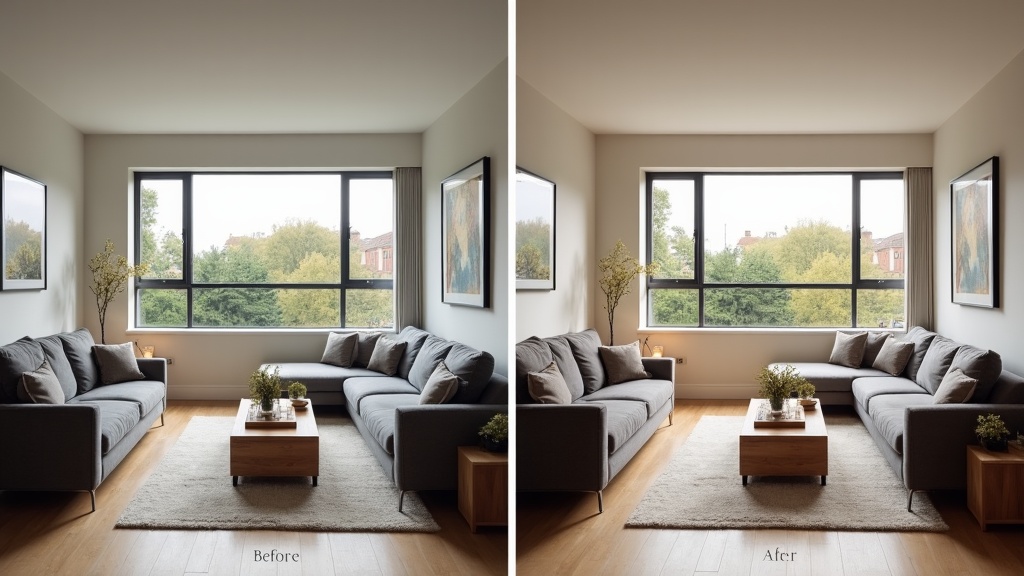
The debate over Airbnb smartphone photos vs professional photography divides UK hosts like few other topics. A professional photographer brings skill, equipment and polish, but phone cameras have improved enormously, and plenty of hosts get strong results with the phone in their pocket. What matters most isn't the camera, it's how well you use it. This guide compares the two on cost, results and practicality, and shows you how to get the best from whichever you choose.
Do Smartphone Photos Really Work for Airbnb Listings?
Yes, smartphone photos can work well for Airbnb when they're shot carefully. Airbnb asks for photos of at least 1024 by 683 pixels in landscape format, which any recent phone comfortably exceeds.
Many guests browse on phones, where a well-lit, well-composed phone photo can hold its own. There is no reliable public data showing that professional photos win more bookings than good smartphone photos, so focus on what you can control: light, composition, cleanliness and complete coverage of the property.
From our own portfolio: the listing photos for our Manchester short lets were taken on a smartphone. That is what we do, not a rule; plenty of hosts get great results from a professional shoot.
Technique is everything. A badly composed phone photo will lose out to a professional shot every time. The smartphone's real advantages are convenience, low cost and being able to retake photos whenever you improve the property.
Most recent phones include an ultra-wide lens, HDR processing, a night mode and image stabilisation, which cover most of what a host needs to photograph rooms well.
What Are the Real Costs of Professional Airbnb Photography?
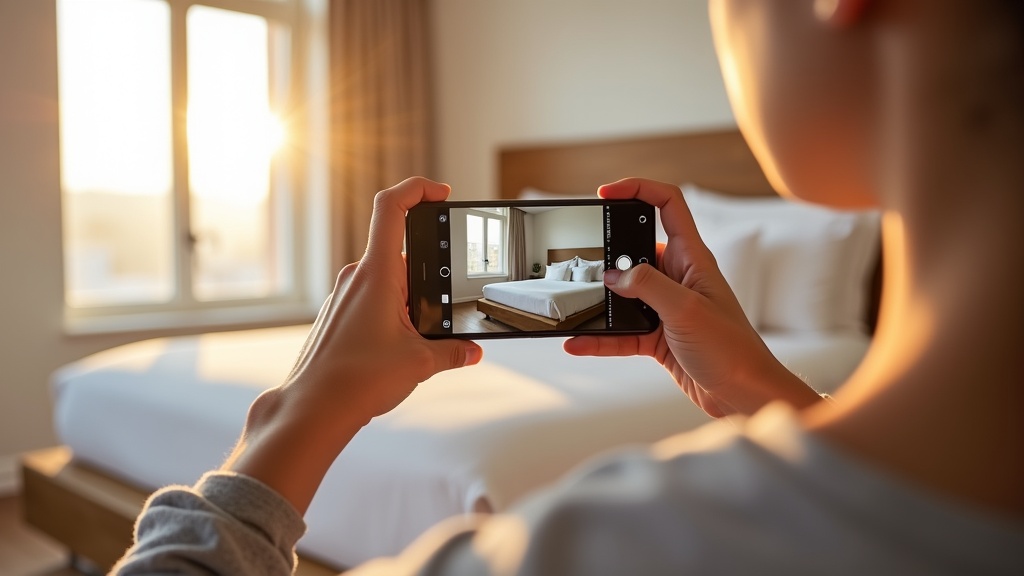
Professional property photography prices vary widely with the size of the property, its location and the photographer's experience, so get a few quotes and check what's included, such as the number of edited images, travel and any reshoots.
Think beyond the first shoot. Whenever you change the furniture, redecorate or add an amenity, your photos need updating, and every professional reshoot is another booking to arrange and pay for. Scheduling a photographer can also delay a launch or an update.
Look for a photographer who understands holiday lets. Many property photographers work mainly for estate agents, whose photos sell a building, while a short let listing needs to show guests what staying there will feel like.
For hosts with several properties, the cost of professional photography multiplies quickly, along with the time spent coordinating shoots.
Which Smartphone Camera Features Matter Most for Airbnb Photos?
For Airbnb photography, the features that matter most are a wide-angle lens, good low-light performance and reliable image stabilisation.
A wide-angle lens is essential for showing how big a room is, which matters in UK homes where space is often tight. Most recent phones have a 0.5x ultra-wide mode that captures much more of a room than the standard lens. Use it carefully: very wide shots can stretch the edges of the frame and make a room look bigger than it is, which disappoints guests on arrival.
Low-light performance lets you photograph on overcast days and in winter. Night mode and HDR help, but daylight still gives the best results.
Image stabilisation prevents the slight camera shake that ruins otherwise good shots. Optical stabilisation is better than digital, and resting the phone on a steady surface or a small tripod helps even more.
Other useful features include a telephoto lens for detail shots and built-in editing tools for straightening and adjusting brightness.
How Do Professional and Smartphone Photos Compare in Booking Performance?
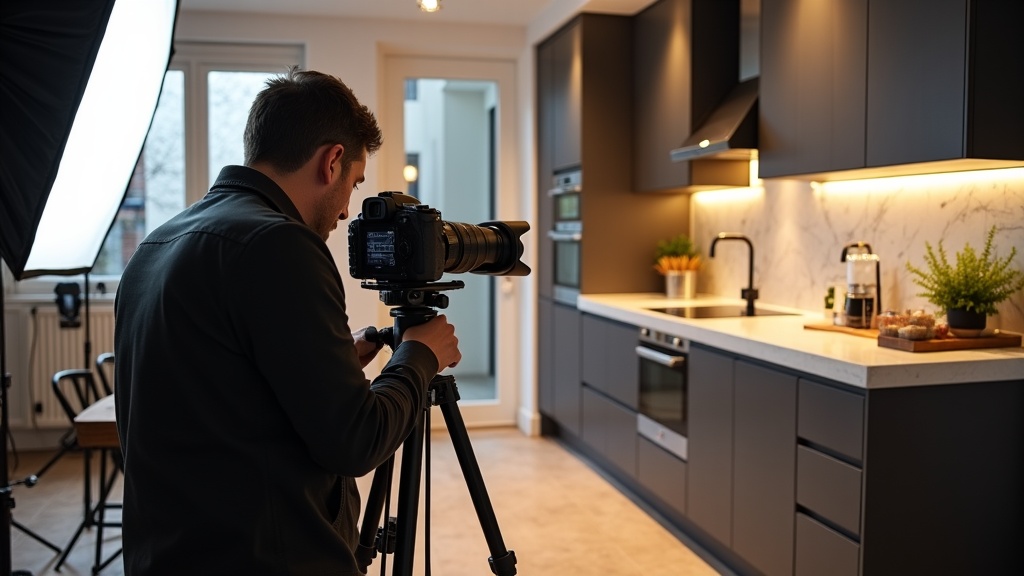
Composition and storytelling often matter more than the camera. A well-planned set of smartphone photos will usually beat a careless professional shoot, and a skilled photographer will usually beat a rushed phone session.
Strong listings share the same photographic basics whatever the camera: good light, clean compositions, accurate colour and complete coverage of the property. Professional photographers bring expertise in all of these, but a determined host can get close with a phone and proper preparation.
Photo strategy matters as much as quality. Airbnb's photo tour groups your photos by room, and every room or space needs at least one photo to appear in it, so a complete, well-ordered set helps guests picture their stay from arrival to departure.
Professional photos may give you an edge at the luxury end, where guests expect polished presentation. For mainstream properties aimed at families, business travellers or budget-conscious guests, honest, well-taken phone photos can do the job.
Zugrow's AI photo enhancement improves the photos you already have, from 47p per photo, whether they were shot professionally or on a phone. It corrects lighting, colour, sharpness and perspective, never adds objects or changes the room layout, and every order includes unlimited revisions.
What Are the Essential Smartphone Photography Techniques for Airbnb?
The fundamentals: shoot in daylight, use your phone's grid lines for composition, and take several shots of each room from different angles.
Lighting makes the biggest difference. Airbnb's own advice is that daylight works best, so open the blinds and turn the lights on to brighten the space. Avoid your phone's flash, which creates harsh light and odd colour casts.
Composition separates amateur from professional-looking images. Turn on the grid and use the rule of thirds: in bedrooms, place the bed along a third line rather than dead centre, and in living rooms, arrange seating to create balance and flow.
Shoot from about chest height and keep the phone level, which keeps vertical lines straight and room proportions natural. Avoid extreme high or low angles. Take wide shots that show each whole room, plus detail shots of features guests will value.
Clean and stage each room before you shoot. Remove personal items, straighten cushions and make sure every visible surface is spotless. Small touches like neatly folded towels or a welcoming coffee set-up help guests imagine staying there.
For more on photographing specific rooms, see our guides on bedroom photography with natural light and staging kitchens for maximum visual impact.
When Should You Choose Professional Photography Over Smartphones?
Professional photography makes most sense for luxury properties, unusual or architecturally striking homes, and hosts without the time to learn photography themselves.
Guests at the top of the market expect polished presentation. A professional knows how to show premium features, create atmosphere and keep a consistent look across several high-end properties.
Unusual properties, such as historic homes, unusual layouts or very large spaces, often benefit from a professional's experience and equipment, including lighting and lenses that are hard to match on a phone.
Busy hosts with several properties may find a professional more efficient. A single session covers a whole property, while doing it yourself takes time to learn and to do well.
In very competitive markets, where most nearby listings use professional photos, a professional shoot can help you keep up. Choose a photographer who understands short lets rather than estate agency work.
If you've tried phone photography and the results aren't good enough, or you'd simply rather hand it over, professional photography is worth the cost.
How Can You Optimise Smartphone Photos for Better Results?
A little editing, careful cropping and the right format make a big difference. Your phone's built-in editor is enough for most adjustments.
Start with the basics: lift brightness slightly, add a touch of contrast and raise the shadows to show detail in darker areas. Avoid over-saturating colours, which looks artificial and disappoints guests on arrival. Aim for colours that match what guests will see.
Crop to improve composition and remove distractions. Keep photos in landscape format, as Airbnb displays search photos in landscape, and make sure every image is at least 1024 by 683 pixels.
Keep your editing style consistent across all photos. Mixing heavily filtered shots with natural ones looks jarring as guests scroll through your listing.
For more ways to improve your photos, our guide to professional-quality photo enhancement techniques has further tips.
What Common Photography Mistakes Should UK Hosts Avoid?
The most damaging mistakes are poor lighting, personal items in shot and photos that don't cover the whole property.
Poor lighting ruins good photos whatever the camera. Avoid shooting late in the evening or in poor light, and don't rely on overhead lights alone, which cast harsh shadows and unflattering colours. Bright overcast days can be excellent for interiors, as soft light avoids the strong contrast of direct sun.
Personal items make a listing look unprofessional and raise privacy questions. Remove family photos, toiletries, clothing and paperwork before you shoot. This matters most in bathroom photography, where personal items undermine the impression of cleanliness.
Gaps in coverage leave guests guessing about amenities and layout. Photograph every room, bathroom, outdoor space and important amenity. Missing photos make guests hesitate to book, or leave them disappointed when a space doesn't match their expectations.
Technical mistakes include dirty lenses, wonky horizons and your own reflection in mirrors or windows. Wipe your lens before each session, use the grid or level in your camera app, and watch for reflective surfaces.
Staging mistakes include unmade beds, cluttered surfaces, closed curtains and lights left off. Prepare each room as if a guest were arriving straight after the shoot; it shows in the photos.
How Do You Decide Between DIY and Professional Photography?
Base your decision on your property, your target guests, your local competition and your own skills. Higher-end properties can more easily justify a professional, while many mid-market listings do well with good phone photos.
Look at your local competition first. If similar properties nearby all use professional photos, phone photos may look weaker by comparison. If competitors' photos are poor, well-taken phone photos can help you stand out.
Be honest about your skills. Photography improves with practice, but learning takes time and can delay a launch. A professional gives you results straight away; doing it yourself builds a skill you'll use every time the property changes.
Think about how often you'll update the property. If you regularly change decor, furniture or amenities, being able to reshoot with your phone is a real advantage. If the property rarely changes, a one-off professional shoot may work out better value.
Get your free Airbnb performance score to see how your photos are working: the free score includes a photo check that flags hero shot, lighting and ordering problems, whether you used a phone or a professional.
What Future Trends Are Shaping Airbnb Photography?
Phone cameras and editing tools keep improving, narrowing the gap between professional and smartphone photography.
Computational photography features such as HDR and night mode now do automatically what once took a professional's skill and equipment.
AI editing tools make enhancement easier for everyone, correcting lighting, colour and perspective in seconds. Use them to make photos clearer, never to change what the room actually looks like.
Authenticity matters. Guests want photos that show what they'll actually get, and accurate photos set the right expectations, which protects your reviews.
On Airbnb, your listing is built around photos, and its photo tour sorts them by room, so a complete, accurate set remains the core of how guests judge your property.
For more on balancing photo quantity and quality, read our analysis of what actually drives booking decisions.
Frequently Asked Questions
Can I mix professional and smartphone photos in my Airbnb listing?
Yes, but keep the editing style and lighting consistent so the set looks cohesive. Many hosts use professional photos for the main spaces and phone photos for details or updates.
How often should I update my Airbnb photos?
Whenever you make significant changes to the property, such as new furniture, decor or amenities, so guests see what they'll actually get. Phone photography makes these updates quick and cheap.
What's the minimum photo quality needed for Airbnb success?
Airbnb asks for photos of at least 1024 by 683 pixels, in landscape format. Beyond that, they should be well lit, well composed and accurate. Quality matters more than camera type.
Do professional photos guarantee higher booking rates?
No. Bookings depend on your photos, your property, your price and your reviews. Well-taken phone photos can perform well for many property types.
Which phone cameras work best for Airbnb photography?
Any recent phone with an ultra-wide lens, a night mode and good image stabilisation will do the job. How you light, frame and stage each room matters far more than the model.
Should I hire a photographer who specialises in Airbnb properties?
If you can, yes. A photographer who understands short lets will focus on the guest experience rather than the estate agency approach of selling a building.
Ready to see how your current photos measure up? Whether you've chosen professional or smartphone photography, Zugrow's free listing score shows where your listing can improve.
Sources: Airbnb Help Centre: taking great photos of your listing, Airbnb Help Centre: setting up a photo tour.