

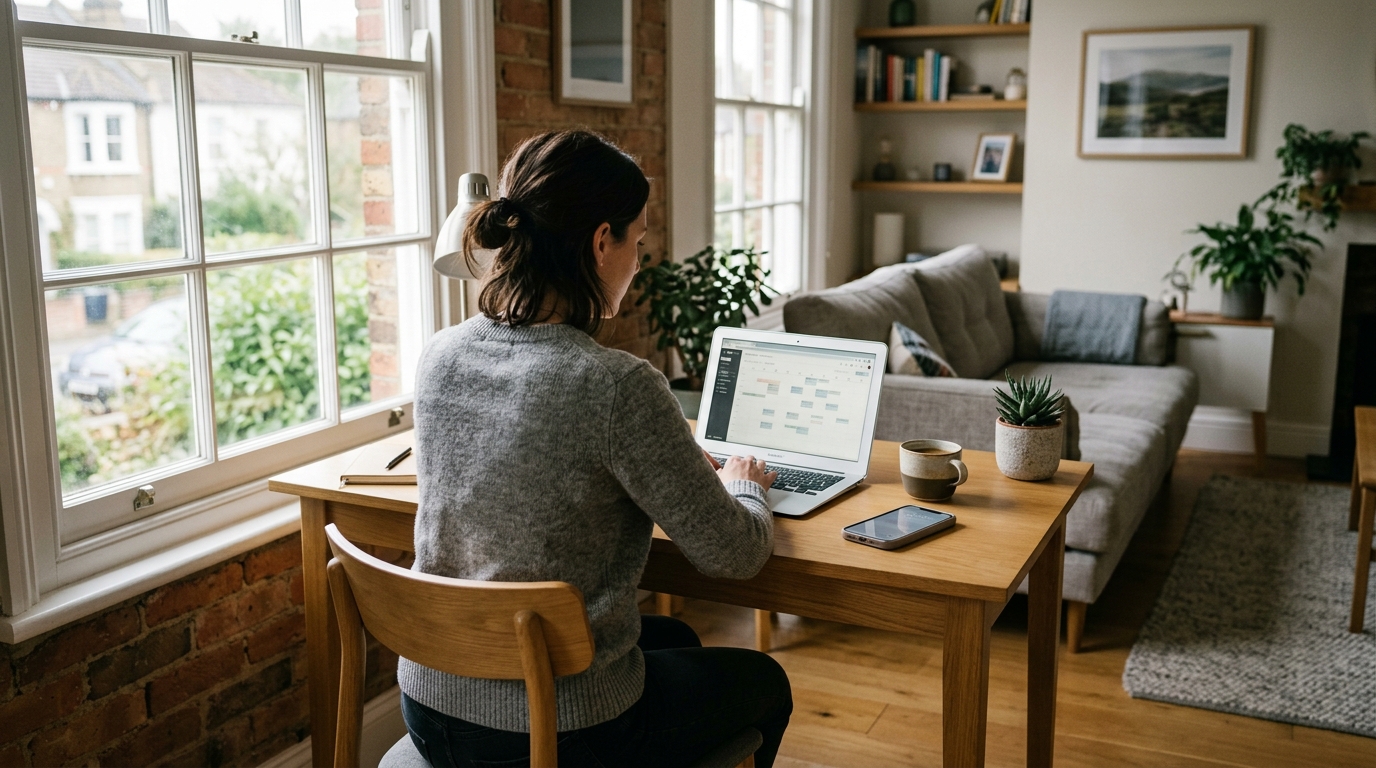
Running a short-term rental increasingly means running a small technology operation. Bookings arrive online, guest messages sit inside apps, access instructions are stored digitally, cleaners get updates on their phones and prices may change automatically. Smart locks, Wi-Fi, cameras and other connected devices may all be part of the setup.
That creates an obvious risk: what happens if the laptop or phone you normally manage everything from suddenly stops working? And a second question matters just as much: how well are you protecting the guest information that passes through those devices?
A good host technology setup solves both problems. It protects access to guest and booking information, and it makes sure one lost phone, broken laptop or compromised account does not bring your rental business to a halt.
A guest arriving tonight does not care that your laptop has stopped turning on. They still need the door code. Your cleaner still needs tomorrow's schedule, and the guest checking in next week may still message you.
From our own portfolio: we run about 24 short lets in Manchester, and guests check in using lockboxes. We send the code on arrival day, so that message has to go out on time whatever has happened to the phone or laptop we normally use. Fast replies and clear check-in information on the day are also what earn us the most 5-star reviews. Your setup may be different (smart locks, keypads or meeting guests in person), but the principle is the same.
Think about your technology the way you think about spare keys, backup cleaners and emergency maintenance contacts: assume something will eventually fail, and make sure the business can carry on without it.
1. Don't Let One Device Become Your Entire Hosting Business
It is surprisingly easy for a small hosting operation to become dependent on one phone or laptop. The device holds saved passwords. Your email is already logged in. Airbnb is authenticated. Your cleaner's number is in WhatsApp. Invoices sit in Downloads. Access codes are in Notes.
Everything works perfectly until that device is lost, damaged or stops starting. The first step is separating the device from the business.
Ask yourself:
- Could I access tomorrow's bookings from another computer?
- Could I respond to every guest?
- Could I contact my cleaner?
- Could I retrieve property access instructions?
- Could I access my business email?
- Could I access my PMS and booking channels?
- Could I recover my accounts without my normal phone?
If several answers are no, you have a single point of failure.
2. Keep Your Core Hosting Operation in Cloud-Based Systems
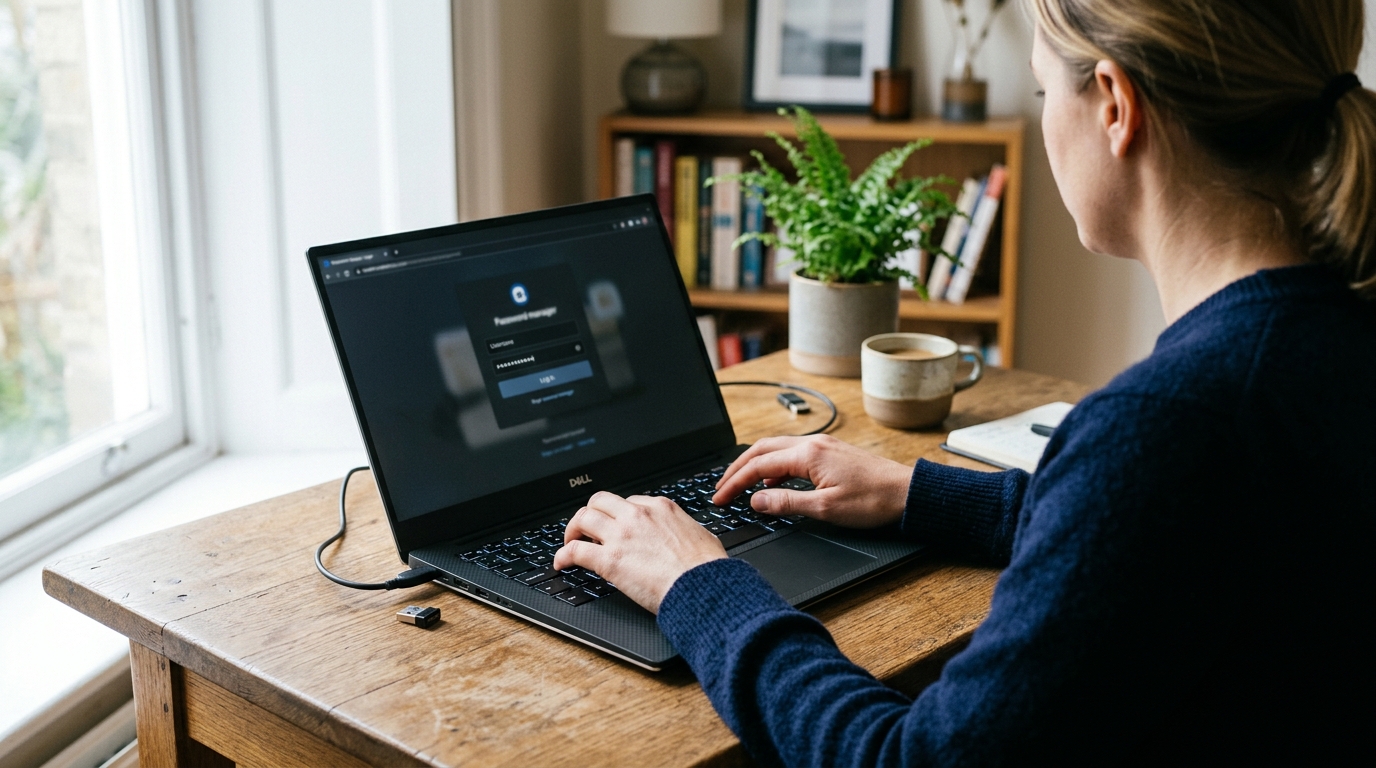
The more information that exists only on one laptop, the harder recovery becomes. Your reservation calendar, guest messages and property information are usually better kept in cloud-based services that you can reach securely from another device.
A property management system can help here. For example, Zugrow brings guest messages from Airbnb and Booking.com into a unified inbox, keeps channel calendars in sync and includes team access. The operation is then tied to authorised accounts rather than to one particular computer.
That distinction matters. If a laptop breaks, the laptop should be replaceable. Your hosting operation should still exist somewhere you can securely access.
The same principle applies outside your PMS. Business documents, supplier contacts, property instructions, invoices and operating procedures should be stored somewhere that does not disappear with one device.
3. Protect Your Booking Accounts Properly
Your email account deserves particular attention. If someone gains access to it, they may be able to reset passwords for other services connected to it, and from there reach booking platforms, cloud storage, payment services and other business systems.
For your important accounts:
- Use a different password for each service.
- Use a password manager rather than recycling passwords.
- Turn on two-step verification or passkeys wherever available.
- Keep recovery codes somewhere secure and separate from your main device.
- Review which devices are currently logged into your accounts.
- Remove access for old staff members and contractors.
Your PMS, email account and booking channels deserve the same care you would give your online banking. The National Cyber Security Centre's cyber security guide for small organisations is a good free starting point on backups, protecting devices and accounts, and spotting scams.
4. Give Staff Their Own Access
Sharing one master password with cleaners, assistants and contractors is convenient at first. It becomes messy later. Someone leaves but still knows the password. The password changes and half the team gets locked out. Nobody knows who made a change.
Where your software allows it, give each person an individual login, then decide what they actually need:
- A cleaner may need turnover dates and property information, but not financial reporting.
- A maintenance contractor may need details about a reported fault, but probably not your complete guest inbox.
- An operations assistant may need broader booking access, but still not the credentials for every service the business uses.
Access should follow someone's job, not simply the fact that they are part of the team.
5. Be Careful Where Guest Information Ends Up
A surprising amount of guest information leaks outside the systems hosts deliberately chose to use. A passport photo gets sent through WhatsApp. A screenshot with a guest's phone number gets saved to somebody's camera roll. A booking spreadsheet gets downloaded onto a personal laptop. A cleaner receives a screenshot showing more reservation details than they need.
Each of these creates another copy of the information and another place you need to secure. A simpler approach is better: keep guest information inside your booking platform or PMS where practical, and avoid making extra copies unless there is a genuine operational reason. If you do need to download or share information, think about what the recipient genuinely needs to see.
For UK businesses handling personal information, UK GDPR requires appropriate technical and organisational security measures, suited to the risk. The Information Commissioner's Office explains what that means in practice in its guide to data security. Your processes should reflect the type of information you hold and the harm that could result if somebody gained unauthorised access.
6. Have a Plan for Hardware Failure
Security is only half the issue. Computers simply break. Storage fails, screens crack, batteries die, liquid gets spilled and machines stop starting. For a host managing several properties, losing a work computer at the wrong moment can become an operational problem very quickly.
Create a simple hardware failure plan before you need it. Keep:
- A second device capable of accessing the core systems.
- Important files backed up away from the main computer.
- Account recovery information somewhere secure.
- Contact details for your key suppliers outside the affected device.
- Details for a reputable local computer repair or IT support company.
For operators in Auckland, New Zealand, Advanced Computers provides computer repairs alongside other services such as data recovery, virus removal and business IT support. The company operates from service centres in Penrose and Rosedale and supports both individual customers and businesses.
Hosts elsewhere should apply the same principle: identify your local repair or IT support option before something breaks. Searching for technical support while guests are waiting for replies is far less enjoyable than having the contact ready.
7. Back Up the Information Your Platforms Don't Hold
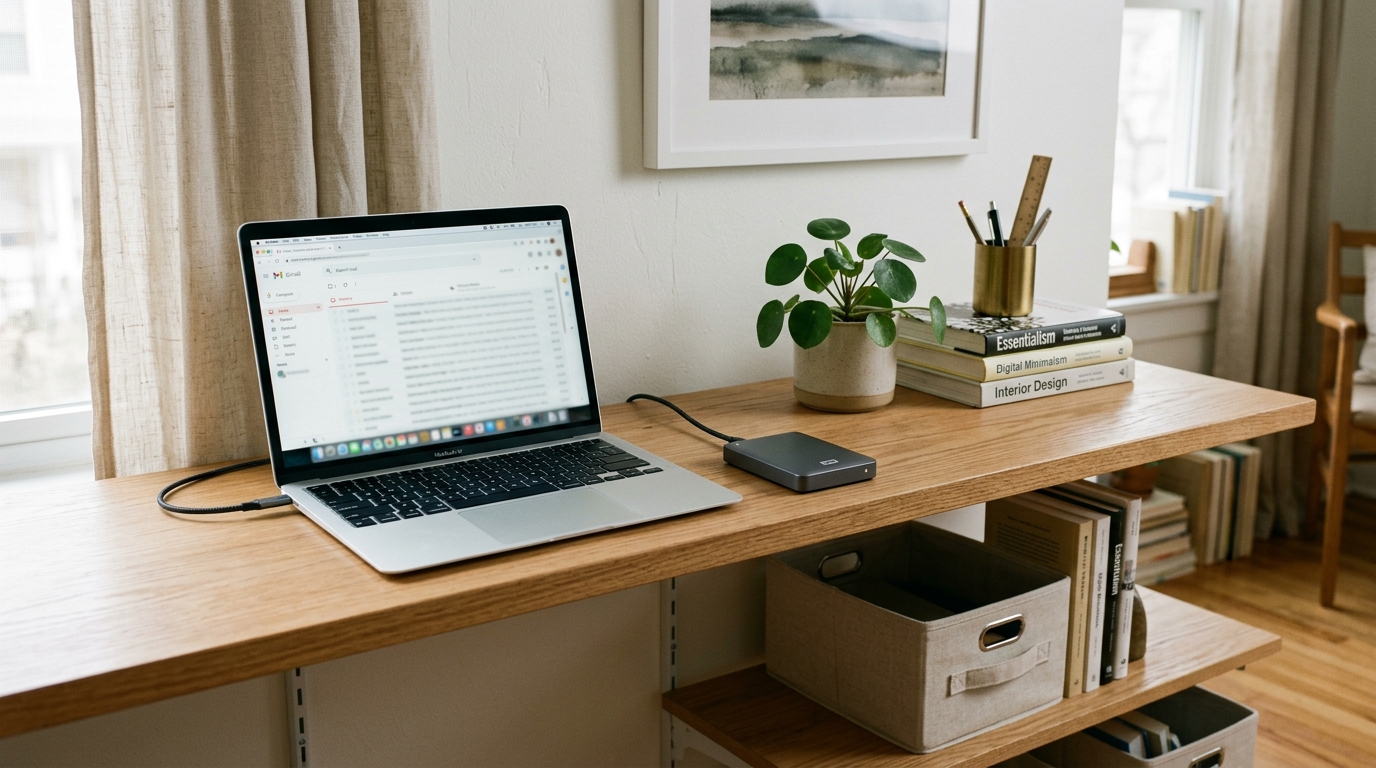
Airbnb or your PMS may store your bookings, but they probably do not hold everything you need to run the business. Think about:
- Supplier and contractor details
- Cleaning procedures
- Property inventories
- Insurance documents
- Maintenance records
- Invoices and receipts
- Photography
- Property manuals
- Emergency procedures
- Internal spreadsheets
- Direct booking information
- Business documents
These should be backed up somewhere other than the computer you normally use them on. Cloud storage makes this fairly simple, although the account itself still needs to be secured.
Test your backups too. A folder showing a green cloud icon is reassuring, but what matters is whether you can actually recover the information when your normal device is unavailable.
8. Don't Forget the Technology Inside the Property
The office laptop is only one part of the setup. Many short-term rentals now contain connected devices such as:
- Smart locks
- Smart thermostats
- Wi-Fi routers
- Doorbells
- Noise monitoring systems
- Smart TVs
- Tablets
- Security equipment
Change default passwords on devices that allow remote administration, and keep their software up to date where updates are available. If your router supports separate networks, keeping guest Wi-Fi separate from the devices you use to manage the property also reduces unnecessary exposure.
Most importantly, keep a record of who owns each account. Hosts sometimes inherit smart devices from previous managers and discover months later that nobody knows which email address controls them. That is fine until something needs changing.
9. Build for Staff Changes as Well as Device Failures
Technology problems do not always involve broken equipment. People leave too. If an assistant, cleaner or property manager stops working with you, you should be able to remove their access without changing passwords across the whole business. This is another reason individual accounts and permission controls matter.
Keep a basic offboarding checklist:
- Remove PMS access.
- Remove booking platform access.
- Remove shared drive access.
- Remove business email access.
- Remove smart lock administration access where relevant.
- Change any genuinely shared codes or passwords.
- Check whether company information remains on personal devices.
The larger your portfolio becomes, the more valuable this simple process becomes.
10. Run the 15-Minute Lost Laptop Test
There is an easy way to find weaknesses in your setup. Pretend your main laptop has disappeared. Do not use it. Take another device and try to:
- Find tonight's arrivals.
- Read the latest guest messages.
- Send a reply.
- Find tomorrow's cleaning schedule.
- Retrieve a property's access instructions.
- Contact your cleaner or maintenance person.
- Open your important business documents.
- Access your email.
- Access your booking channels.
- Recover an account that asks for additional verification.
If you can complete all ten without your normal laptop, your setup is in decent shape. If you get stuck at step two because every password is saved in one browser, you have found something worth fixing.
Final Checklist: A Safer Host Technology Setup
You do not need an IT department to make a short-term rental business far more resilient. Start with the basics:
- Secure every computer and phone used for hosting.
- Use unique passwords and two-step verification.
- Keep guest and booking activity inside trusted systems where practical.
- Give team members separate accounts.
- Limit access based on each person's role.
- Avoid unnecessary copies of guest information.
- Back up important business files.
- Keep recovery codes somewhere secure.
- Know who to contact if your computer fails.
- Test whether you can operate without your main device.
Good hosting technology should make the business less dependent on you being in the right place with the right laptop. That is also the thinking behind platforms such as Zugrow: keeping guest messages, channel management and day-to-day hosting in one system rather than scattered across different devices and logins.
The goal is simple. If one device disappears tomorrow morning, your guests should barely notice.
Frequently Asked Questions
Can I manage an Airbnb entirely from my phone?
Yes, many hosts do. The risk is becoming dependent on one device. Make sure you could still access your bookings, messages, email and sign-in methods if your phone were lost or damaged.
Should Airbnb hosts use two-step verification?
Yes. Important business accounts should use two-step verification or another strong additional sign-in method where available. This matters most for email, booking platforms, financial services and cloud storage.
Should staff share one Airbnb or PMS password?
Avoid shared passwords wherever individual user accounts are available. Individual accounts make it easier to control permissions, see who has access and remove someone without disrupting the rest of the team.
Is cloud storage better than keeping files on my laptop?
For business continuity, cloud storage reduces dependence on one physical device. It still needs strong account security, and important information should have an appropriate backup.
What should I do if my hosting computer stops working?
Move operations to your backup device first so guest communication continues. If the machine holds important local files, avoid making unnecessary changes that could complicate recovery. A reputable computer repair or IT support provider can then diagnose the fault and advise whether repair, replacement or data recovery is appropriate.
What guest information should I keep?
Keep the information genuinely required to manage the booking, comply with applicable rules and run the stay. Avoid creating unnecessary copies of personal information across phones, screenshots, spreadsheets and messaging apps.
Sources: ICO, A guide to data security; NCSC, Small organisations guide to cyber security. Checked October 2026.